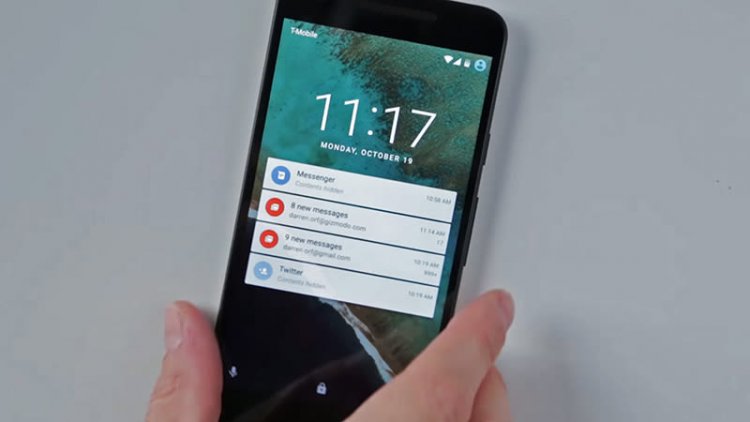
Stop notifications in applications on Android
If we look around us, we will find that the Android system is now the most widely used and popular operating system. Of course, the Android system now powers millions of smartphones. If you have been using Android smartphones for a while, you will find that there are many applications that send notifications to your phone that you may not even know about.
On an average, users install around 30-40 apps on their smartphones and there is no restriction on installing apps, but managing notifications that come from these apps will be possible. Because there are some application developers who misuse the notification center on Android phones and it becomes annoying when sending unwanted messages.
So, if your notification panel is always full of useless notifications, then you are reading the right article. In this article, we will share with you the best method Turn off notifications from any Android app .
How to disable notifications from any application in Android
For those who don’t know how to disable notifications, Android has an option built into the phone to manage and disable notifications. So, in this method, we will use the notification manager to disable notifications from any application in any Android phone.
Step 1. First of all, open Settings on the smartphone.

Step 2. Under Settings, tap Apps
Step 3. Now under Apps, select “Installed Apps”
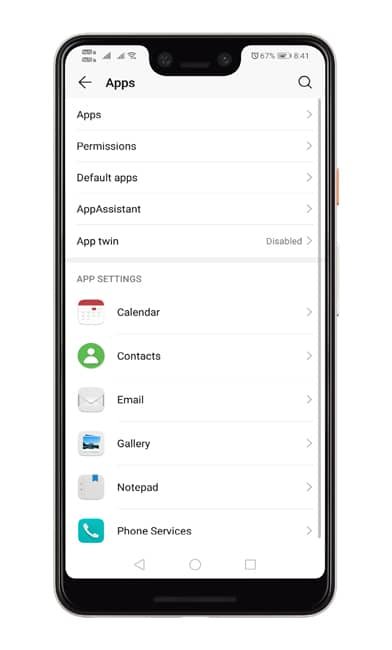
Step 4. Now you will see a list of all the applications installed on your smartphone.

Step 5. Select the app whose notifications you want to block, then click “Notifications”

Step 6. Disable the notifications button to turn them off.

This is how you can disable notifications from any application on Android phones. If you have any doubts or other suggestions on this topic, let us know in the comment box below.