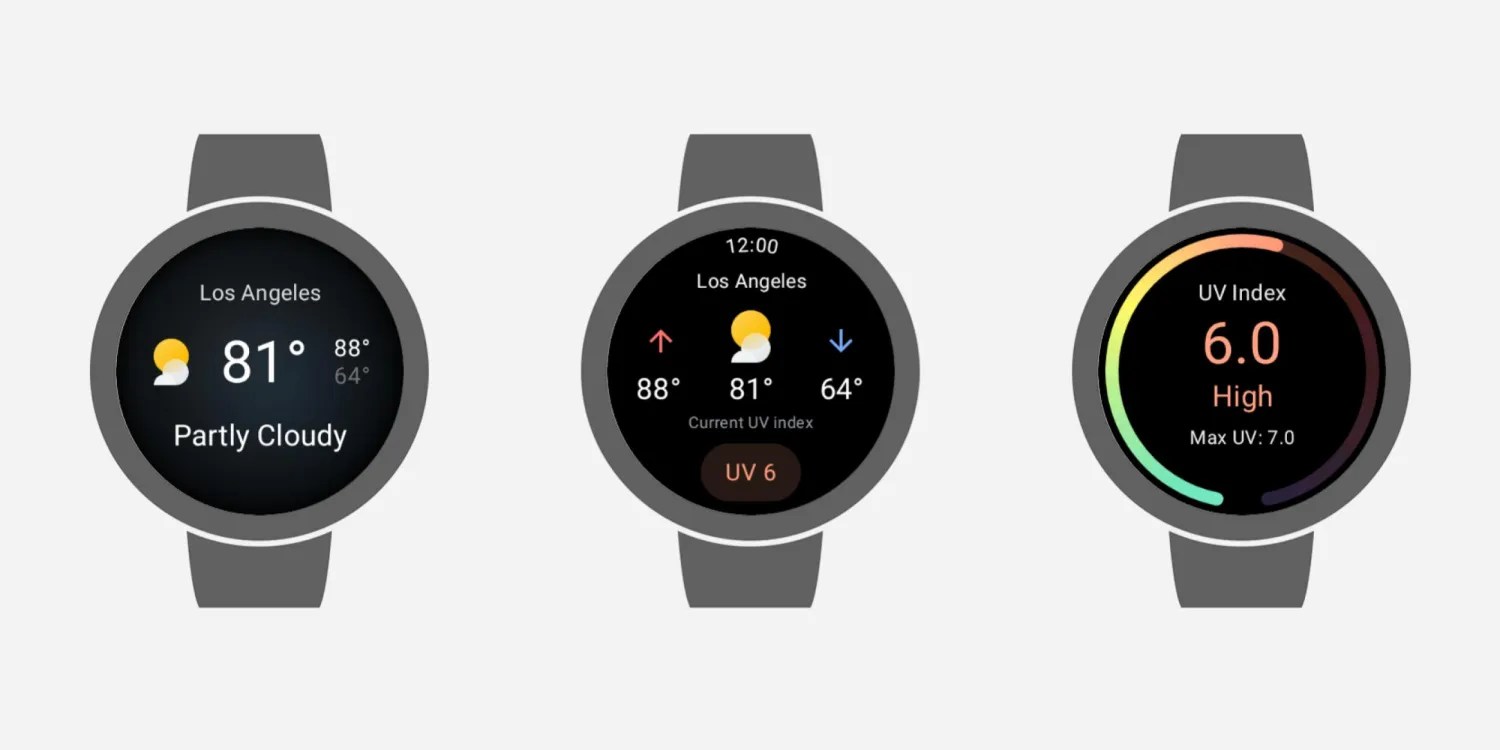
Last September, Google stopped providing the Weather app for new devices running Wear OS 6. Now, the service has also stopped working on the original Pixel Watch and other devices due to a flaw in the app.
When you open Google Weather today, it first shows a “Loading…” screen and then switches to a “Can’t download weather data” message, with a “Retry” button that takes you back to the same loop.
The same glitch appears in the Forecast, Sun, and UV Index tools, where messages such as “Loading weather” and “Couldn’t retrieve your location” appear.
This glitch occurs for all Google Weather users on all Wear OS devices, including the original Pixel Watch and Samsung’s Galaxy Watch.

Google had confirmed in September that the app would only continue to work if it was installed before upgrading to Wear OS 6, while it is no longer available for a new installation, as the company encourages the use of the devices’ default weather app (Pixel Weather is available on the Pixel Watch 2, 3, and 4).
This glitch appears to be the result of a temporary technical problem and not a permanent cessation of the application. According to an interaction with customer support, Google is aware of the issue, and a server-side update is expected to resolve it.
As a temporary solution, device users can use third-party apps like AccuWeather from the Play Store, or rely on Gemini Assistant to query the weather without having to install any additional app.