
HOW TO FIX IPHONE 6 OR 6 PLUS CAMERA FREEZING PROBLEM
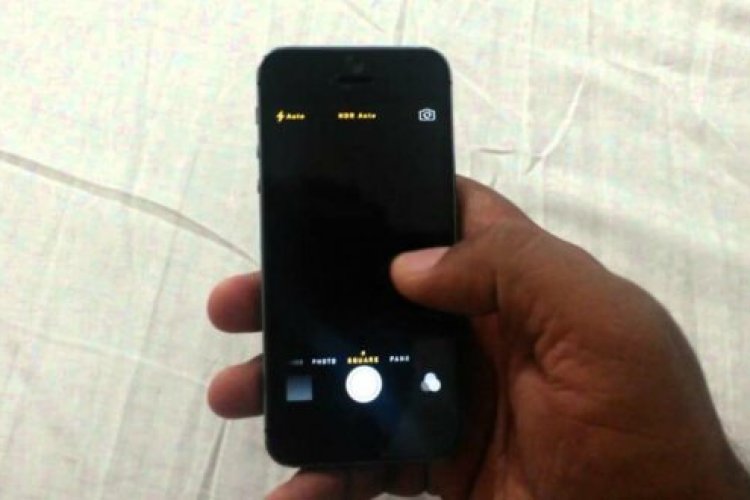
It can be annoying when you try to take a photo and the camera decides to go crazy and not want to work. This has been happening for a while on the iPhone 6 and 6 plus, when you try to take a photo when you open the camera app and there is that wonderful moment and your phone decides not to open to allow you to take photos.
iPhone 6 camera freeze
Here are some tricks you can try to get your camera up and running quickly.
1. Update your iPhone to the latest iOS version available
If your device is running on an older iOS system, it is recommended to update it. To do this, I recommend updating by connecting your device to iTunes on your computer, selecting your iPhone from the list and updating to the latest version. This may take some time, but it is safer for your device.
2. Reset your iPhone
This may do the trick, as some have claimed that resetting their iPhone fixed the issue. Resetting your phone will make minor changes to your phone, but it will not delete your media files and contacts.
To do this, go to Settings -> General -> Reset -> Reset All Settings.
That’s all about it.
3. Restore your iPhone
Restoring your phone to its original factory settings or an older backup can help do the trick.
Please note that restoring your iPhone will delete all your content and data on the device, so you should backup all your phone data to iCloud (Settings → iCloud) before continuing with the process.
To perform a factory reset (format) process for your phone, follow the following
- Connect iPhone to computer
- Launch iTunes
- Select your phone from the list
- Choose to restore your device Restore your device.
That’s it.
If you have exhausted all the solutions above and your phone camera still refuses to work, it may be best to contact the Apple Support Center as this may be a hardware issue.