Cloud storage solutions are the most important technology ever in the world of the Internet in the entire last decade, and many people and companies have begun to use cloud storage solutions, because this technology has been able to solve multiple problems due to limited storage space on all devices without exception.
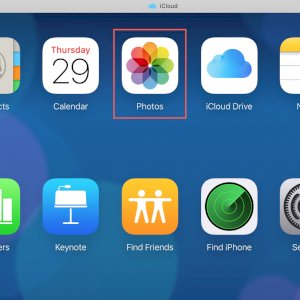
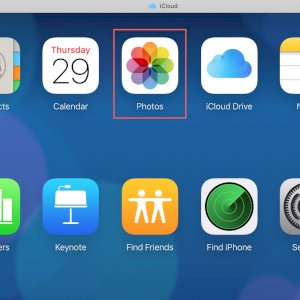
Perhaps the most famous example of this is the Google Photos application, which put an end to the storage problem and the problem of transferring photos from one device to another. You can also consider that the iCloud Photos service from Apple is a good example of these services that have spread recently and everyone is turning to them to solve storage problems.
iCloud Photos is a valuable feature built into iOS and MacOS that allows you to save your photos and videos and keep them in sync across all your different Apple devices. You can keep them as long as you have an Apple ID and use them on any Apple device you own.
Activate the iCloud Photos feature for iPhone and iPad
How to activate the iCloud Photos feature for iPhone and iPad Whether you have just gotten a new device or want to start using the feature for the first time, follow the steps that we will mention on how to upload photos to iCloud Photos from your iPhone or iPad tablet and make sure that you are connected to the Wi-Fi network there.
- Unlock your device and go to Settings
- Scroll down a little and select Photos
- Activate iCloud Photos until they appear in green
- Choose the quality of the images that will be stored between Optimize iPhone Storage to save the images at the highest possible resolution or Download and Keep Originals to save them at their exact original resolution.