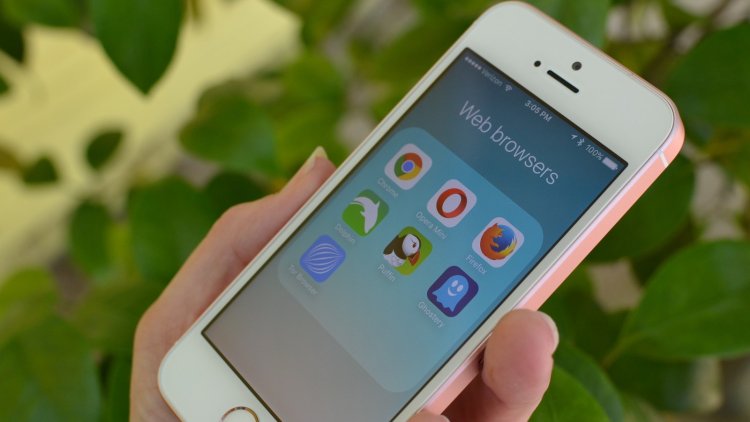
Is Safari the best iPhone browser? We’ve put together seven iOS web browsers to help you find the one that’s best for your needs. Safari is the default browser pre-installed on every new iOS device, but there are plenty of alternatives, starting with Google Chrome, Opera Touch, Dolphin, and Ghostery.
In this article we evaluate each iOS browser in terms of speed, features, ease of use, and other key factors.
1- Safari browser
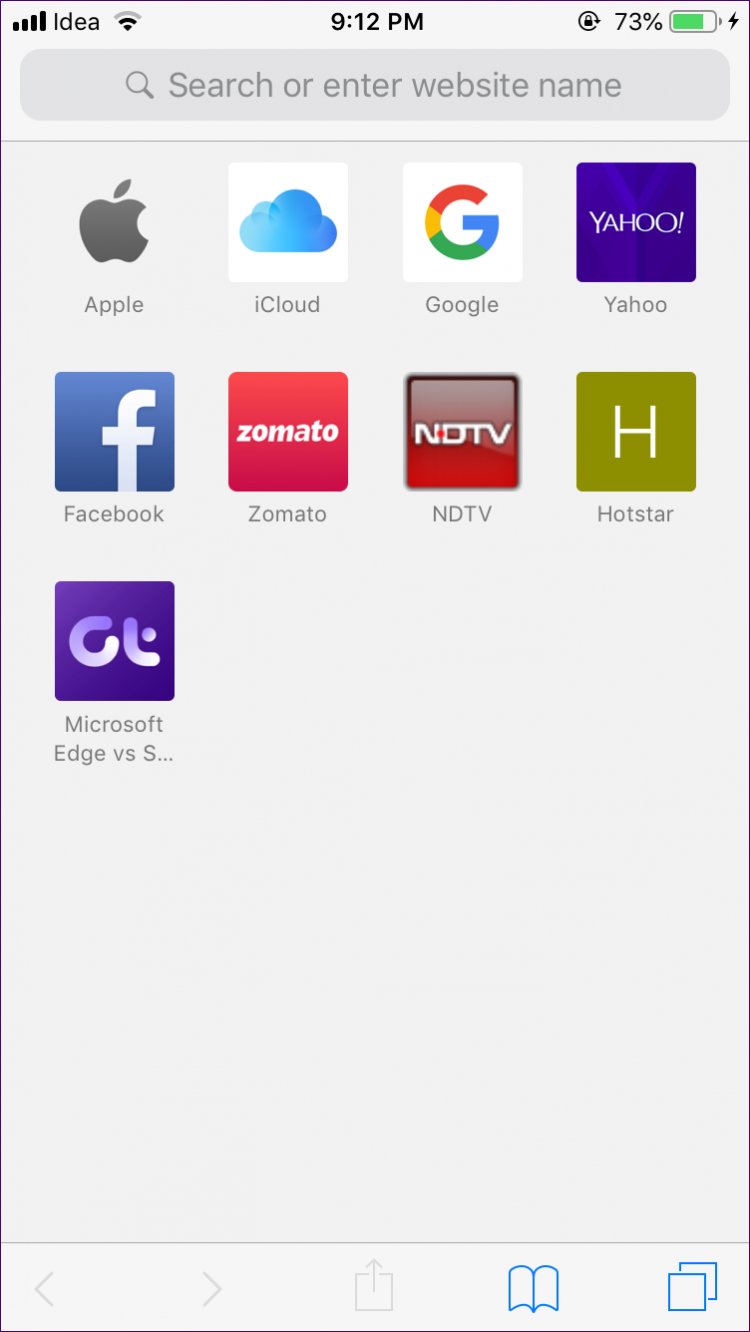
It is a web browser provided by Apple for iPhone and Mac phones as well. It is considered the default browser for its systems, and therefore all email links and others will open in the Safari browser. Based on the same “design and programming language” of iOS,
The simple fact is that you cannot change the default browser on your iPhone (unless you jailbreak it). The Safari browser is built into iOS in intangible ways. One of the advantages it has is that it is the easiest option, since it is pre-installed and you do not need to invest any time into looking into alternatives; Which is convenient, because you’re already familiar with the way it works and the advantage Safari holds over its competitors at the moment — that it’s the only browser you’re allowed to have as default.
2- Google Chrome browser
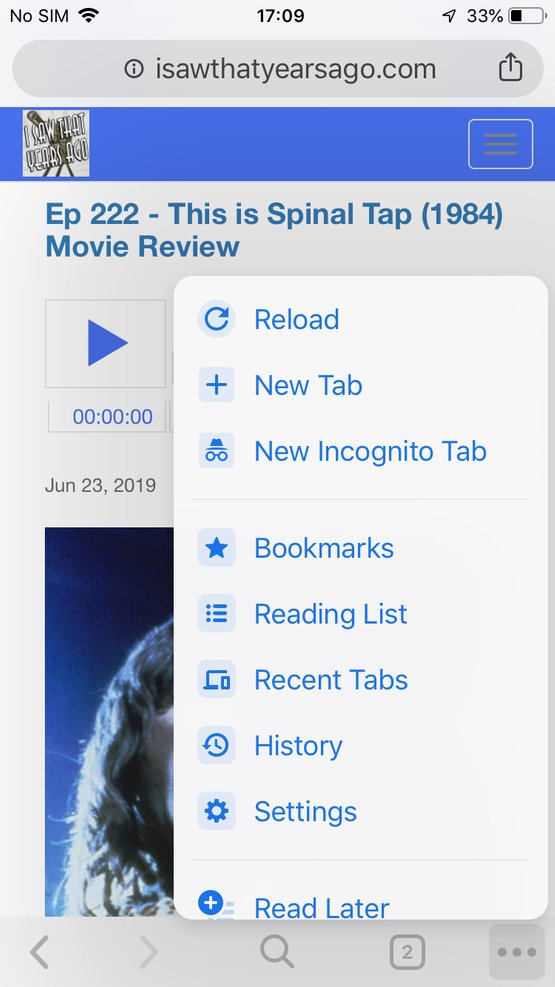
Google’s Chrome browser, which is affiliated with Google, and its most notable feature is its easy-to-use tabs, navigation, and fast browsing. The Google Chrome browser for iOS is well-developed and very good to use, especially if you deal deeply with the Google system on other devices or if you use Chrome on a Mac or Windows device, for example, you can log in to Chrome on both and sync tabs.
Google Chrome browser comes with a powerful general interface. Swiping right takes you to the tab that was previously displayed, and swiping down refreshes it. It is easy to use, in addition to having a wonderful echo and supporting incognito browsing mode.
3- Opera Touch browser
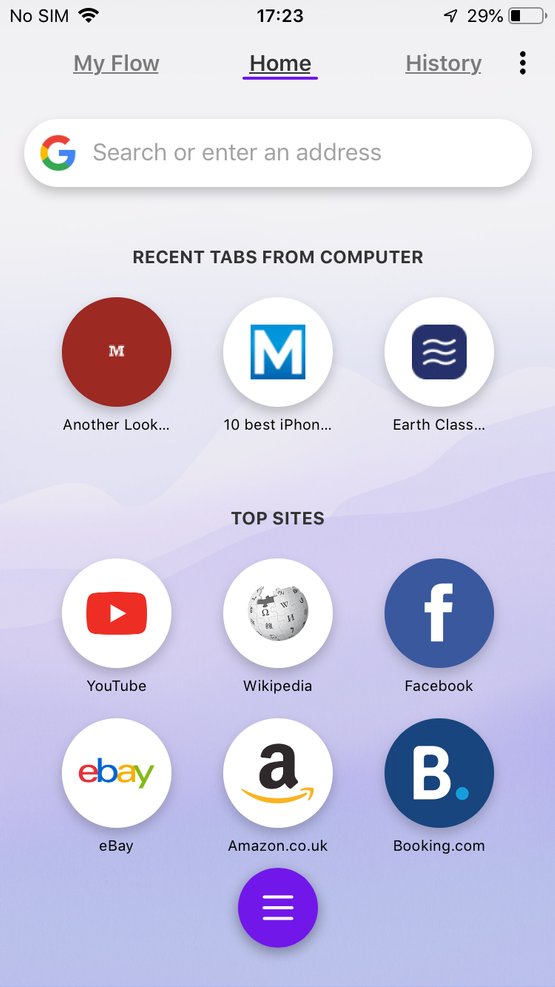
Features: Slimline design, Cryptowallet, built-in ad blocker, made for one-handed use
Cons: No bookmarks or online syncing
The Opera browser is also the best choice as a web browser, knowing that it occupies only about one percent of the desktop web browser market, but its users claim that it is the best product in browsers, especially those around it on the iPhone. Opera now has the new Touch browser and the best features of an ad blocker, incognito browsing, and the new breed in the browser.
4- Dolphin Browser
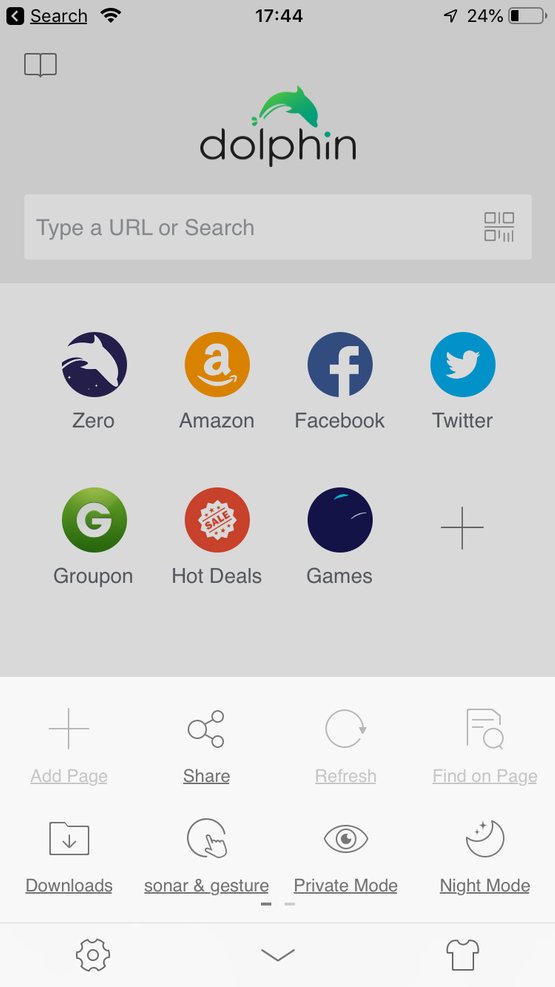
Pros: Feature rich. Gesture support is comfortable and cool; Various modes (Night Mode, Private Mode) are easy to use and easy to access
Cons: A wider range of features makes the interface more confusing than Safari’s — especially at first
Dolphin Browser is a feature-rich alternative to Safari with some impressive features like easy tab navigation, the app lets you draw your own custom gestures directly on the screen, and we found the gesture recognition to be always accurate.
The night mode that the application offers is at a level suitable for night browsing, in addition to the QR reader feature next to the URL bar and sharing on Facebook, Twitter, Evernote and Pocket, in addition to AirDrop and a device-to-device web synchronization feature called Dolphin Connect. There’s a nifty voice control option for Sonar with a smart approach that lets you talk and search via the browser just “shake and talk.”
5- Firefox Focus browser
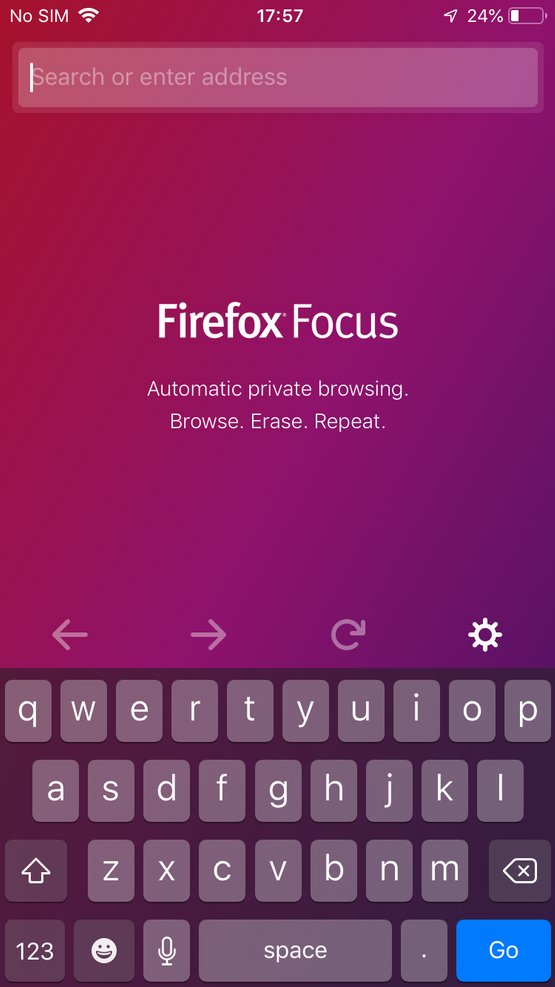
Firefox Focus is a browser that puts privacy high on its agenda, because it blocks a wide range of trackers, allows you to easily clear your history and puts you in control of your internet history.
The features that Firefox offers include ad blocking, analytics, social data, and tracking data, making it one of the most security-focused browsers on iOS, in addition to being easy to use.
Cons: There’s no history, menus, or tabs which is a big drawback, but if security and privacy are the most important things on your agenda, this is a compromise you might want to make.
6- Ghostery Browser
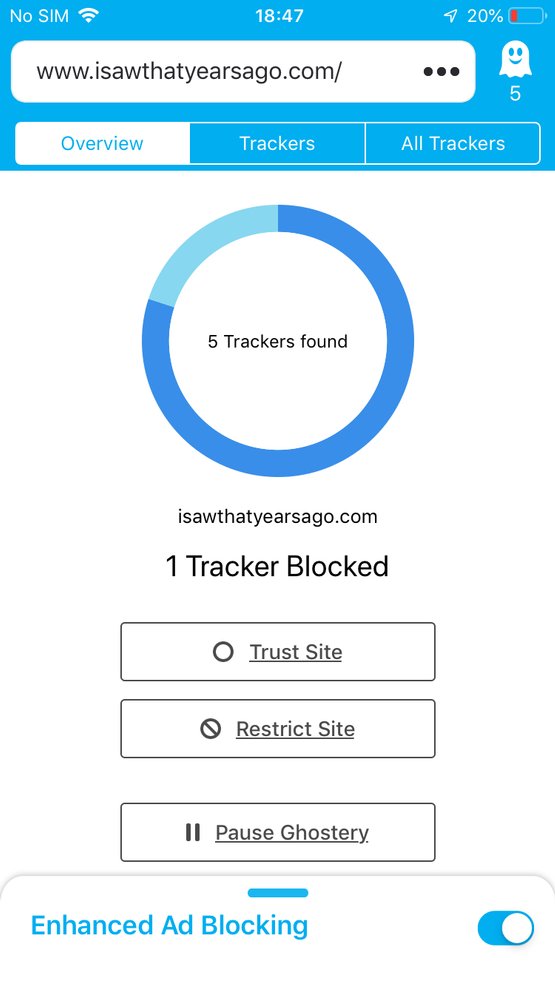
If you don’t like advertisers tracking your browsing movements, Ghostery is the browser for you as the app is designed with high privacy support and there are no browser cookies, no recordings and no collection of user data by the app itself.
And if the web page you’re on uses any ad trackers, Ghostery will detect them and warn you with a red icon: Click on it to see the tracker list and block it if you want.
It also added an experimental feature called WiFi Connection Protection which is designed to monitor ad trackers in any app you use on a particular Wi-Fi network.
7- Microsoft Edge
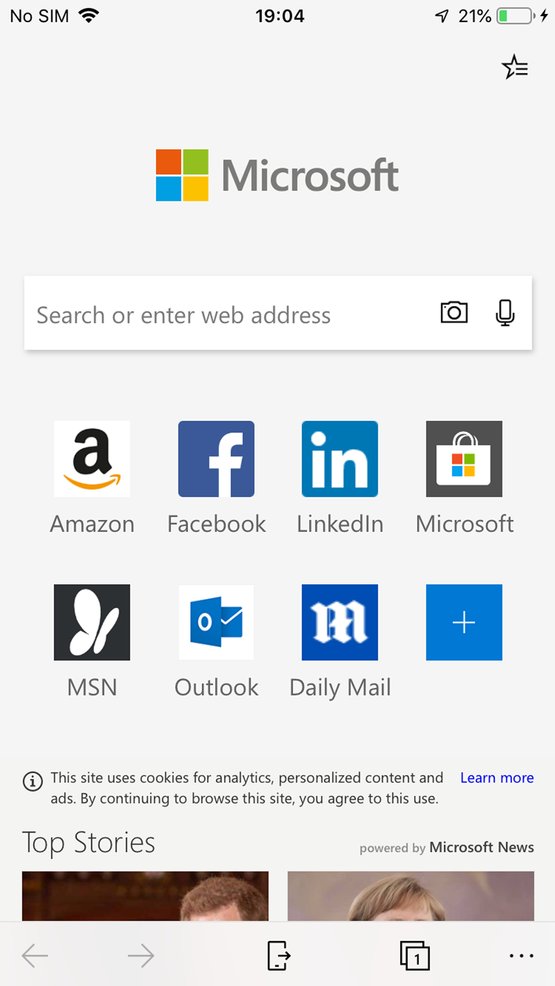
It’s not uncommon for iPhone users to also have a Windows PC, which means they sometimes feel left out of all the Apple-centric features, like the continuity that allows Macs and their smaller siblings to communicate.
Microsoft Edge addresses this to some extent by allowing iPhone and Windows 10 devices to link together and exchange web pages, bookmarks, Cortana settings, and a few other things. Additionally, Edge is a complete browser packed with bookmarks, privacy protection, ad blocker, password manager, reading list, language translator, and lots of extra goodies.