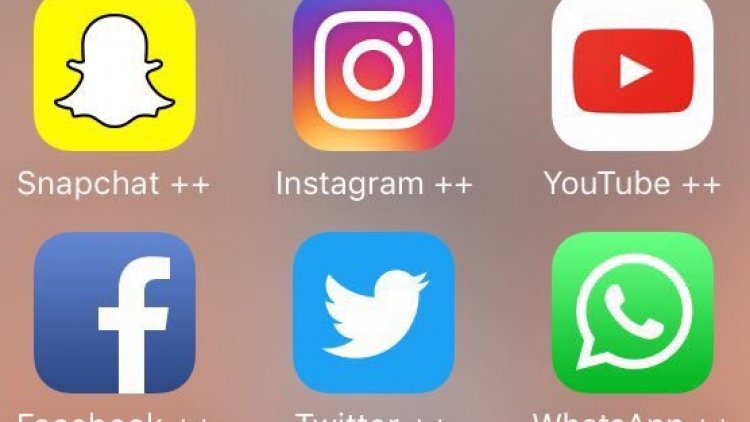
How to download Plus applications on iPhone
Download and install IPA files on iPhone phones using the Cydia Impactor tool, as the method of installing modified applications, especially Plus applications, using the Cydia Impactor tool is an easy and accessible method for everyone, and anyone who owns an iPhone can do it and download whatever they want from these modified applications easily.
To download Modified applications (plus applications) Follow these steps:
1- Download the latest version of Cydia Impactor from the following links:
-
For Mac users, download the tool from here Mac OS
-
For Windows users, download the tool from here Windows
-
For users of 32-bit Linux devices, download the tool from here Linux (32-bit
-
For users of 32-bit Linux devices, download the tool from here Linux (64-bit
2- Open the Cydia Impactor tool
3- Connect your iPhone, which runs iOS, to the computer using a cable.
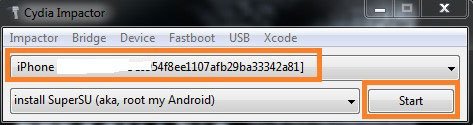
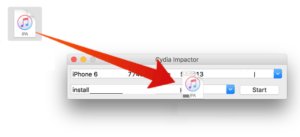
4- We choose the IPA file for the application to be installed and pass it to the Cydia Impactor tool.
5- Enter your email and password.
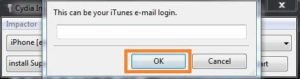
6- In case of limited access, you must create a new secret code for the applications, by going to your Apple ID account from the following link ( Apple ID )
7- Trust the application with your iOS device settings.