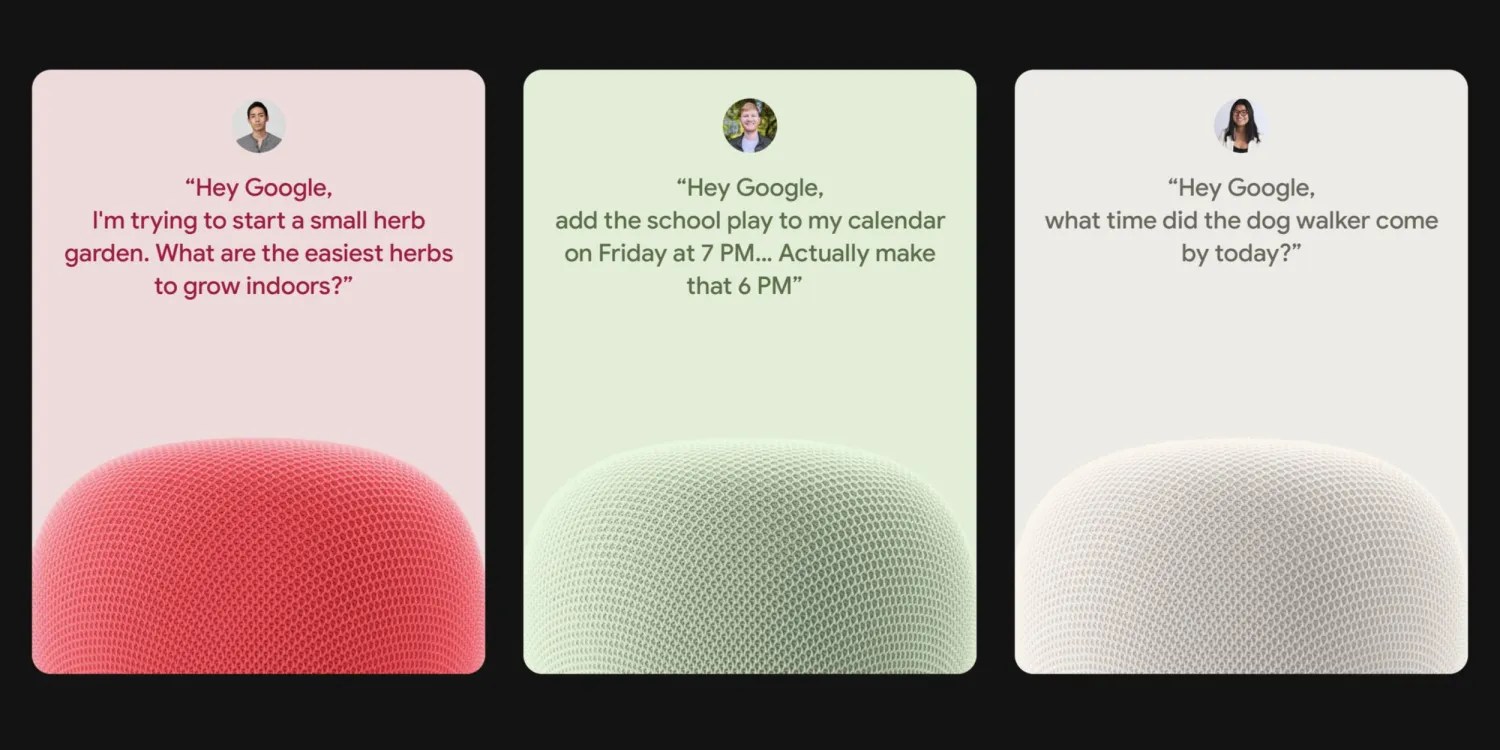
The Gemini for Home voice assistant began arriving gradually at the end of October, with limited availability for the early access program. Although the new trick does not activate the new assistant based on advanced language models, it allows you to try out Gemini’s new voices immediately.
This trick was spread on Reddit by user u/Siciliano777, and it simply relies on entering a specific link into your phone’s browser, whether it’s Android or iOS. The link opens the Google Home app and starts the Gemini for Home setup process:
googlehome://assistant/voice/setup

When using the Chrome browser, you should choose the second option because the first will only perform a search. If the “Continue to Home?” notification appears You must click on “Continue”.
The link opens the Google Home app directly and begins the setup steps, with Google showing usage examples including:
- Generate ideas in a professional way to get tips or learn new topics
- Completing daily tasks such as planning meals or appointments
- Control home devices or track home activity with Google Home Premium
- After that, the “Upgrade” screen appears, explaining that activating Gemini will replace Google Assistant permanently, and the user has to agree to several alerts. Then the sound selection step appears, as Google provides ten natural sounds with realistic rhythm and pitch:
- Amaryllis: clear – higher pitch
- Bloom: Quiet – middle class
- Calathea: with an Australian accent – higher class
- Croton: Smooth – deeper layer
- Fern: Warm – top layer
- Magnolia: Quiet – deeper layer
- Oxalis: clear – medium layer
- Pothos: Interactive – middle class
- Violet: British accent – middle class
- Yarrow: Warm – deeper layer
Although the new sounds are activated, this does not mean that the real Gemini assistant is turned on. This can be confirmed by asking Assistant: “Hey Google, who are you?” To answer: “I’m your Google Assistant.” The app settings will also still show “Google Assistant” and not “Gemini.”
The new voices remain just an addition to the existing Google Assistant. If you want to change the sound, you can simply replay the link:
googlehome://assistant/voice/setup