
Sunday 08/February/2026 – 12:24 AM
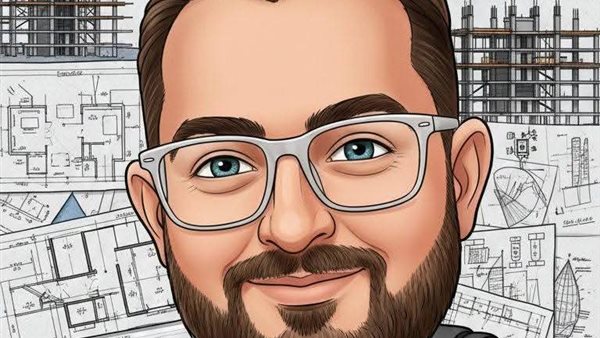
A new feature in ChatGPT caused a stir on social media platforms, after it allowed users to transform their personal photos into job caricatures in a fun and artistic cartoon style that expresses each person’s job in just a few seconds.
This feature quickly spread, and users began sharing their creativity via Facebook, Instagram, and WhatsApp related to their professions and jobs, making it one of the most widespread digital trends of 2026.
How does ChatGPT create caricature images?
The GPT chat application relies on recognizing facial features in the image, such as the smile, eyes, and hairstyle, and then uses text instructions provided by the user to enlarge these features and add elements related to profession, hobbies, or personality.
The result is accurate, fun digital cartoon images that resemble what a cartoonist would create, but within seconds.
Steps to make job caricatures on GPT chat easily
1- Choose a clear, well-lit photo, preferably in front of the head with clear features.
2- Open ChatGPT, choose Image Support, and start a new conversation to upload the image.
3- Add a specific description to turn your photo into a caricature, mentioning your profession, hobbies, mood, or preferred drawing style.
4- Click on the generate button and wait a few minutes until the cartoon version is created.
5- Review the image, regenerate several copies if you wish, then upload and share it on different platforms.
The trend relies on ChatGPT’s capabilities to transform users’ photos into digital “caricatures” that combine facial features and the nature of the job in a sarcastic and funny way. It relies on image analysis technology, where artificial intelligence links your features to your profession to come up with a unique artistic painting.
How to turn your photo into a caricature
All you have to do is enter ChatGPT, upload your photo, and write the text command: “Create a caricature of me and my job based on everything you know about me.”