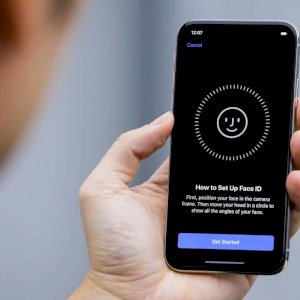
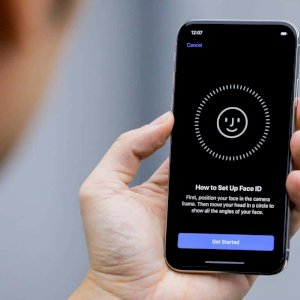
If you own an iPhone and use Apple’s Face ID feature to unlock your phone, it will end up failing every time you try to unlock your phone while wearing a mask. Face ID is not designed to accommodate any type of face covering, whether it’s a scarf or a mask.
Last week, the Centers for Disease Control and Prevention issued new guidelines urging people to wear any form of mask when outside the home, and there is evidence that wearing any type of mask can help slow the spread of COVID-19.
You have two options for dealing with your iPhone: either allow the Face ID feature to fail and then enter the passcode to unlock your phone, or turn it off. This does not mean that your phone will be unlocked at all times, but you can still use the passcode to keep it locked. How to turn off Face ID on iPhone: Open the Settings app on your iPhone. Find the Face ID & Passcode option and tap on it. Enter your passcode when prompted.
If you only want to disable Face ID for specific tasks, like unlocking your phone or approving Apple Pay purchases, use the switch at the top of the screen to turn off the feature called (iPhone Unlock). This means your phone won’t try to scan your face at all. Next, turn off Face ID for Apple Pay. This means you’ll need to tap the Pay with Passcode button on the Apple Pay screen, then enter the code before completing the transaction. By turning the feature off for specific tasks, you can still use Apple’s Face Unlock technology when signing in to apps or approving App Store purchases. These are the tasks you’re most likely to do at home when you’re not wearing a mask at all.
Another advantage of turning off facial recognition for individual tasks is that you can turn it back on once you get home, without having to go through the process of setting up facial recognition again. Alternatively, you can turn off facial recognition completely and use a passcode in its place. Just tap Reset Face Recognition and confirm your decision, as you will then use a passcode instead of facial recognition to unlock your phone and Apple Pay and App Store purchases.