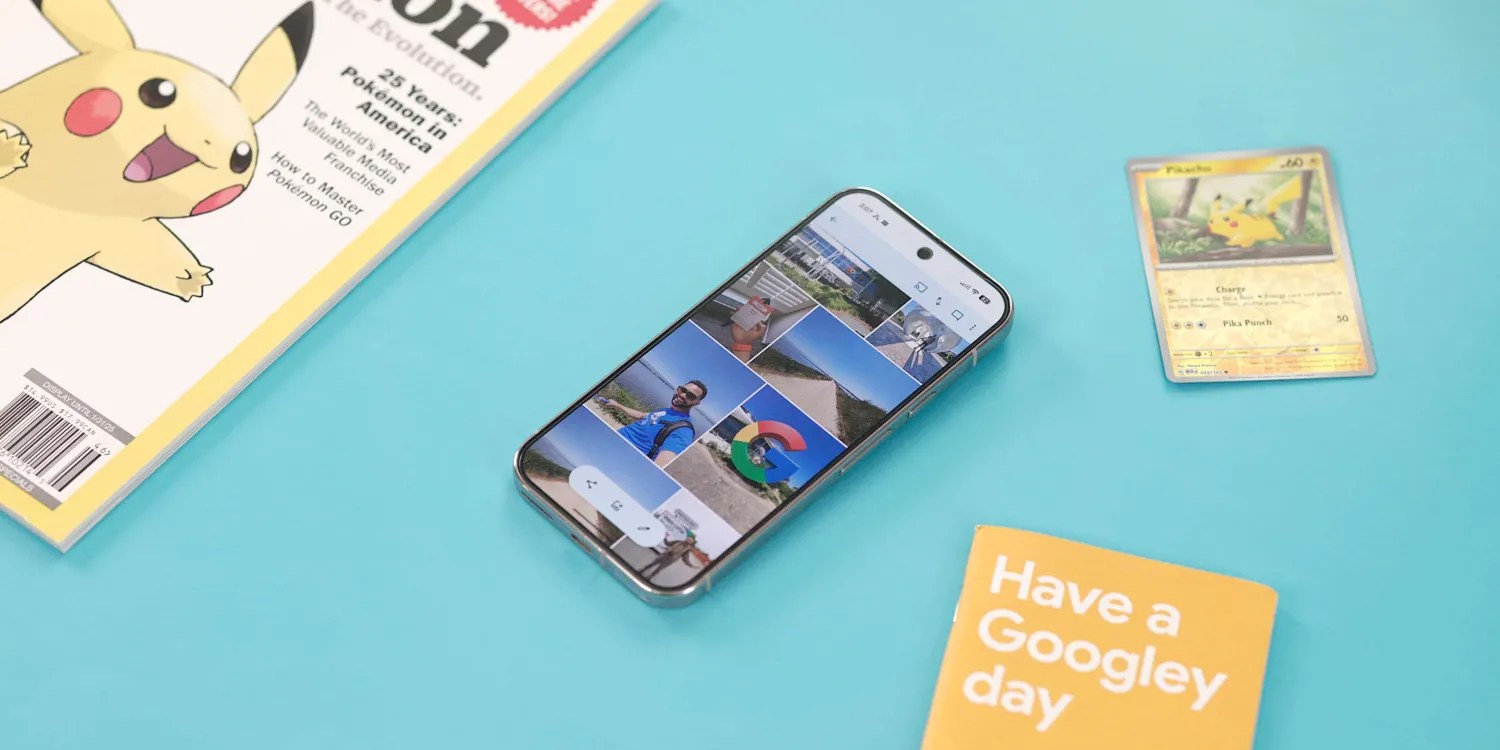
Google is adding a new shortcut to the Google Photos app on Android that makes it easier to access local folders from anywhere within the app.
A folder-shaped icon appears in the top bar, to the left of the add button and the notification icon. Once you click on it, the app takes you directly to the “On This Device” page that displays local folders such as Screenshots, Quick Share, Videos, etc.
Previously, you had to first go to the “Groups” tab and then open this section manually, but now access has become faster and more direct.

Most importantly, this shortcut is available across all four tabs of the app, making it practical in various usage scenarios.
Although the top bar is starting to look a little crowded, especially with the always-on backup indicator, adding this shortcut is a useful step that saves time and simplifies navigation within the app.
The feature begins to be rolled out with version 7.64 of the Google Photos application on a number of devices, but it has not yet reached all users on a large scale.