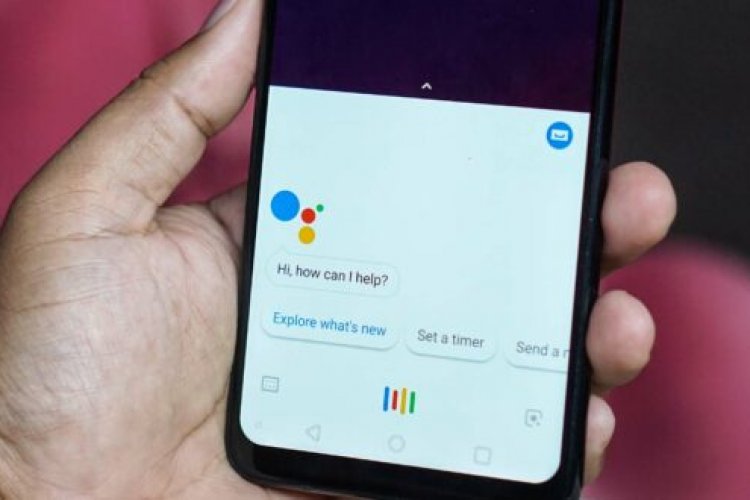
Google Assistant, developed by the company, is one of the artificial intelligence applications available on Android smartphones.
You can engage in two-way communications, and Google Assistant interacts primarily with natural voice, although it supports keyboard input.
Now Google Assistant manages many tasks such as
- Schedule alerts
- Events
- Search the Internet
- Turn on battery saver
- View email notification
- Play your favorite song,
And many more, if you are one of the people who are accustomed to using virtual personal assistants on some devices such as, Google Home, Amazon’s Echo, iPhone, etc., you can also use them on your phones. Most users control their smartphones with their voice, without touching the phone.
All you need is to have an internet connection. To activate Google Assistant, you must hold down the home button on your device or simply say “Ok Google.”
Here’s how to use your voice to control your Android smartphone
Some of the essential basic things you can ask Google Assistant to do are:
1) Say “Ok Google” to open Google Assistant on your Android phone.
2) Google Assistant can be used to find out the timings of your day by giving a command. Talk to Today’s Appointments to see meetings and appointments on a specific day.
3) Google Assistant will help set the alarm. Say “Set alarm” to set reminders or alarms.
4) You can also send messages to your contact name through Google Assistant. Say “Send Messages” and the Assistant will ask who. Say the contact name and message.
5) You can even make calls to your contacts using Google Assistant. Speak in “contact” (as the contact) to call someone.
6) To know information about sporting events, say “ongoing matches” like India vs Australia.
7) Google Assistant can also be used to perform web searches. Simply say “keywords” and relevant information will appear.
8) You can also use Google Assistant to convert currencies. Just enter terms like $5 to rupee or 500 rupees to dollar, etc.
In case you want to control Android using your voice without an active internet connection, then you need to install an application known as “Google Voice AccessThis app will provide you with more detailed control when compared to Google Assistant.